AI QA is coming, human QA is out
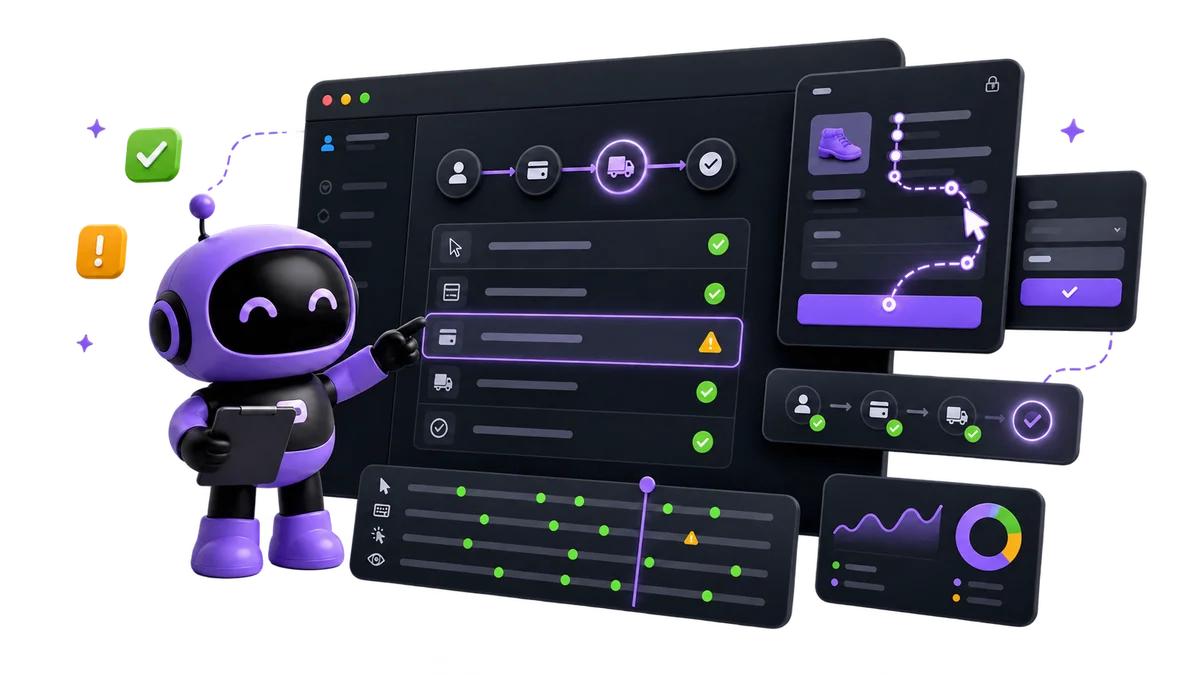
AI QA Agent that tests your app
Killbug explores user journeys and checks them daily like real users.
Killbug demos
Watch Kibi test real websites
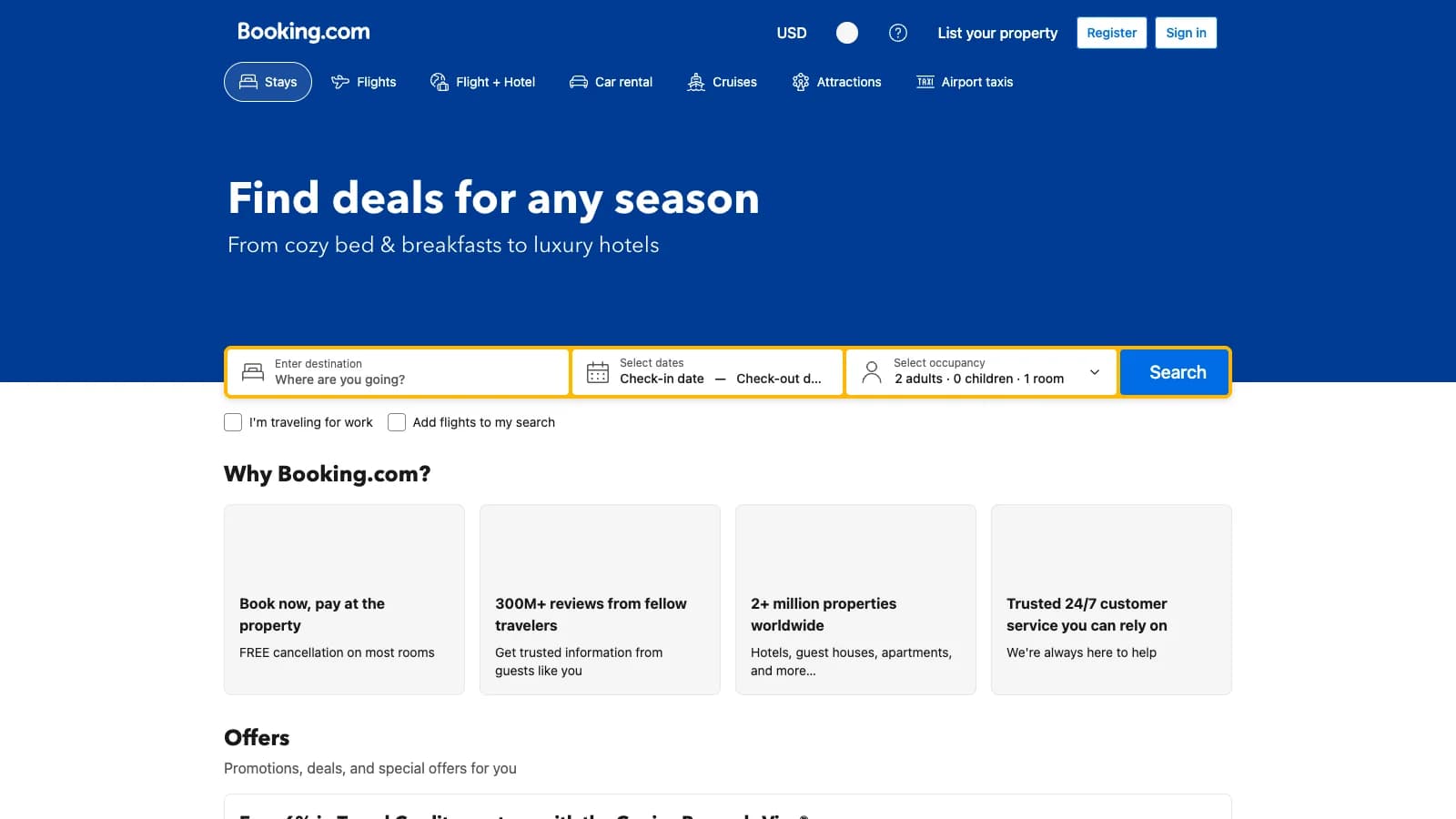
Testing Booking.com with Kibi
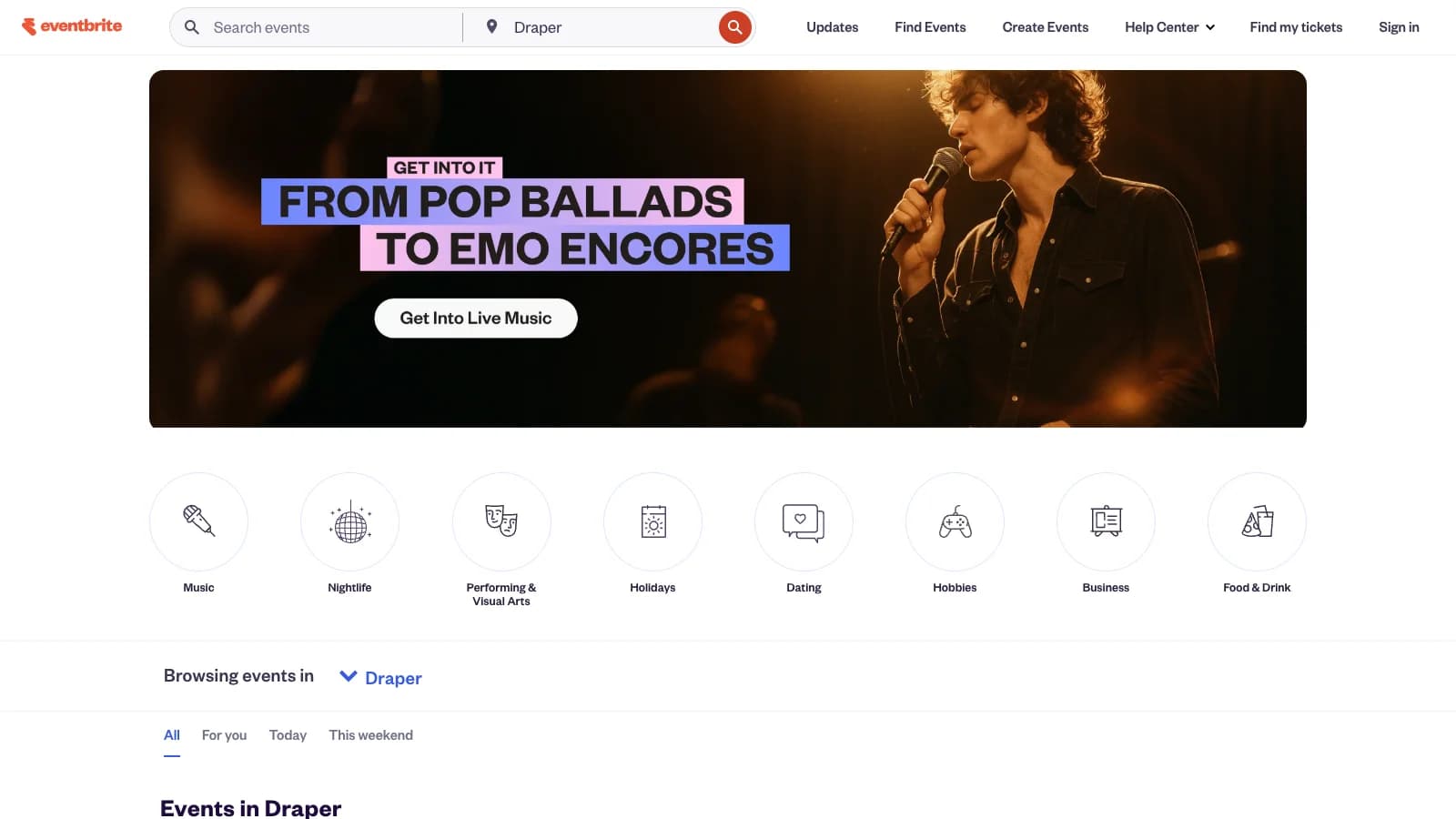
Testing Eventbrite with Kibi
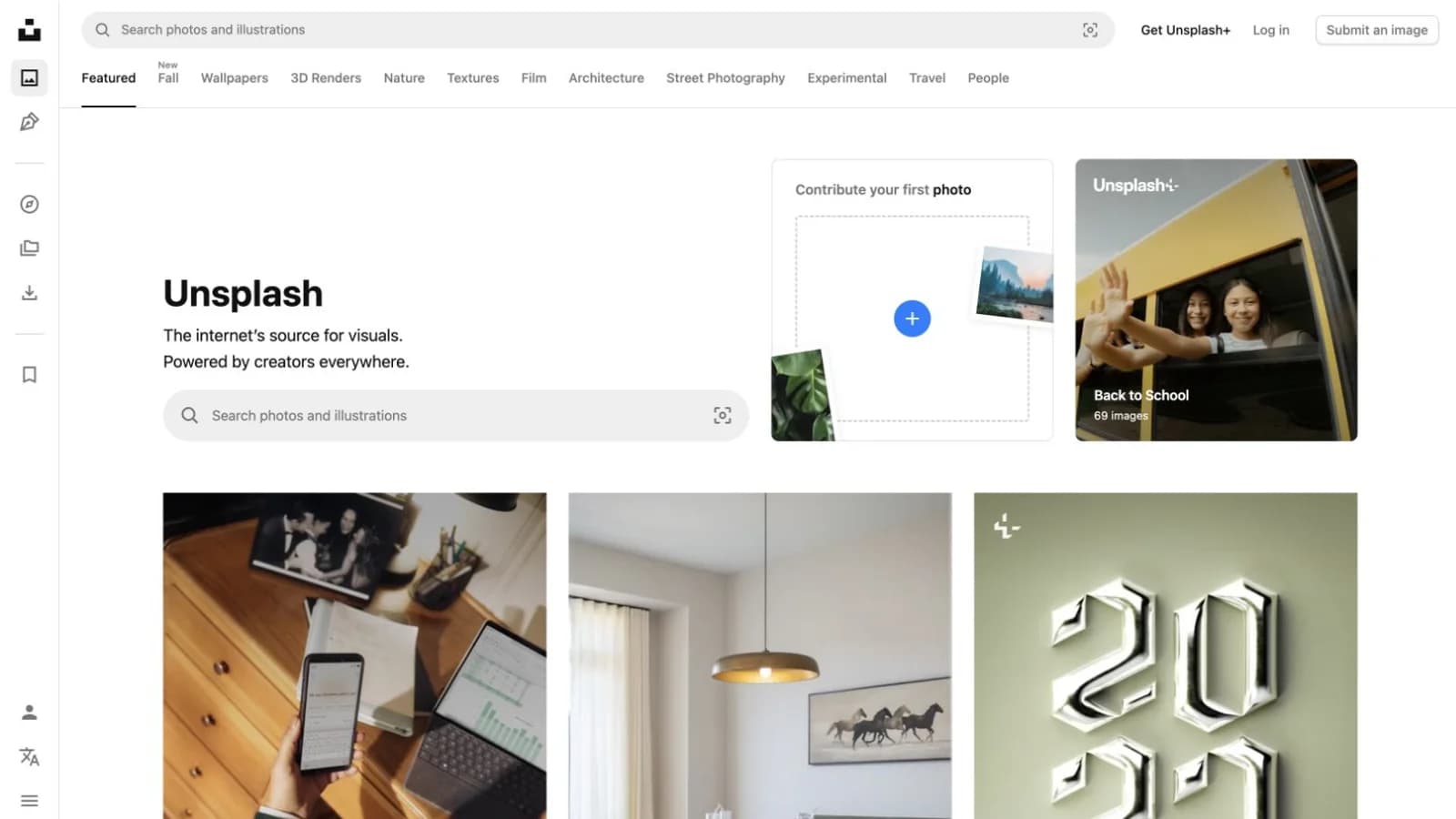
Testing Unsplash with Kibi
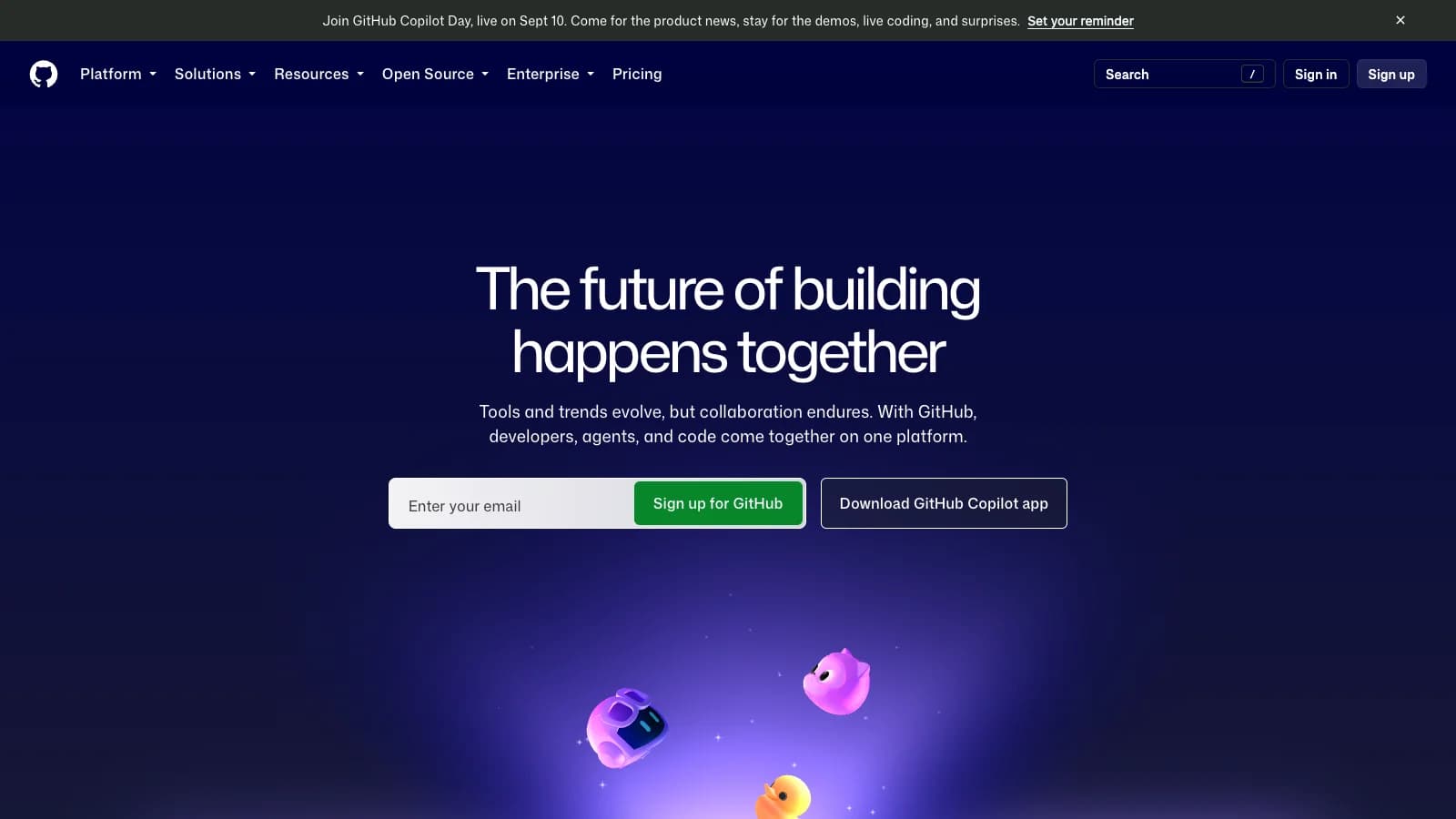
Testing GitHub with Kibi
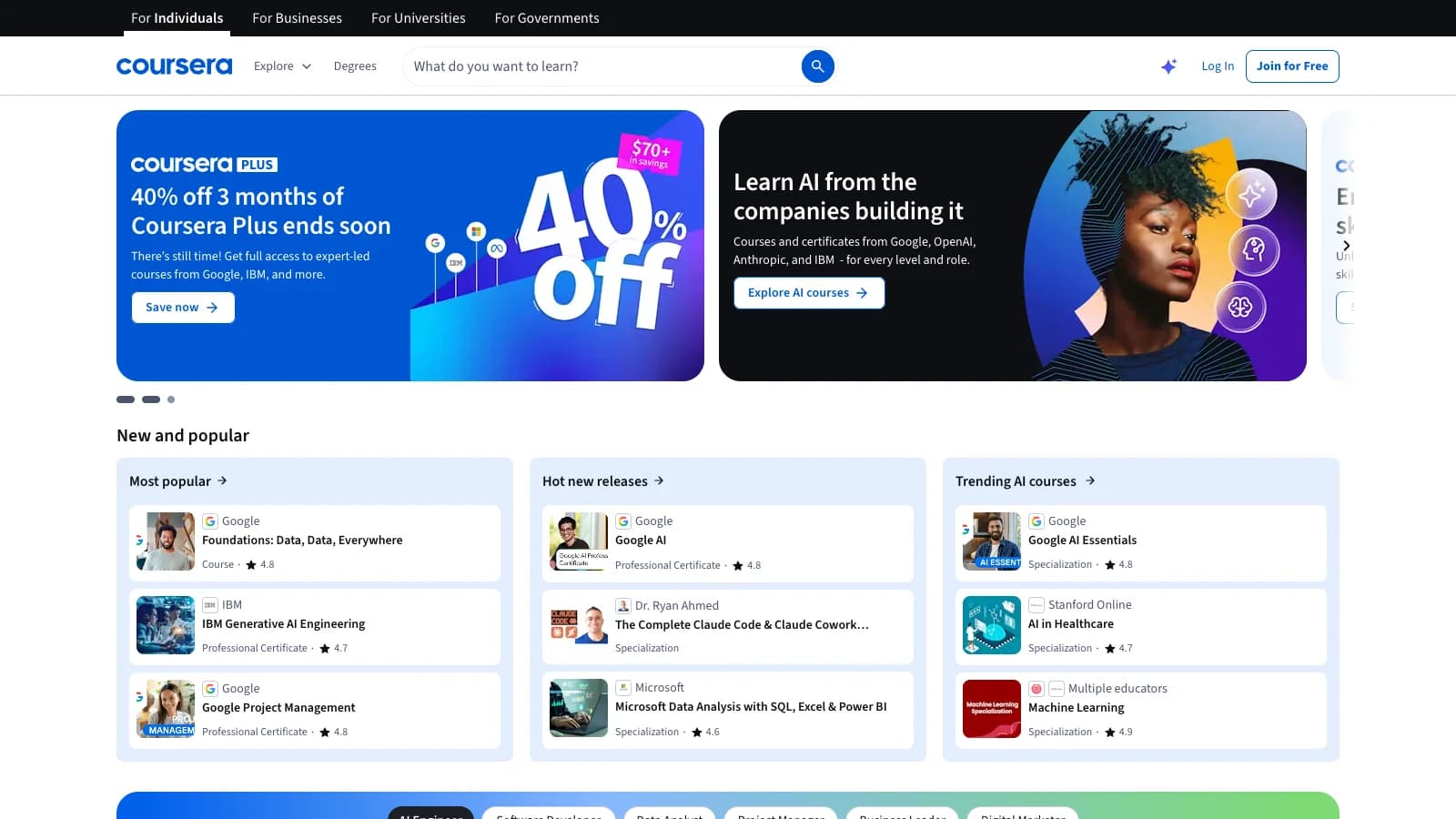
Testing Coursera with Kibi
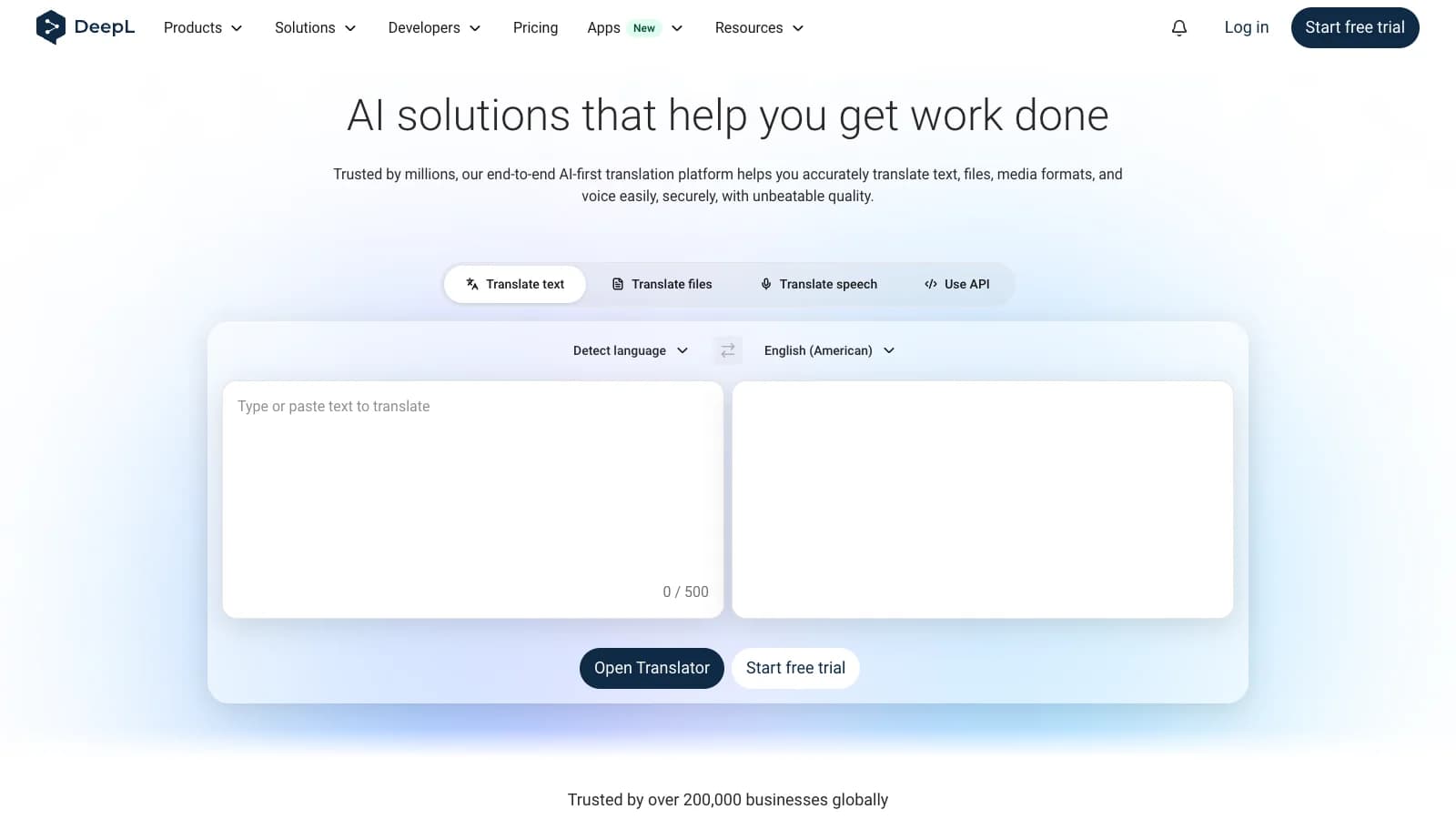
Testing DeepL with Kibi
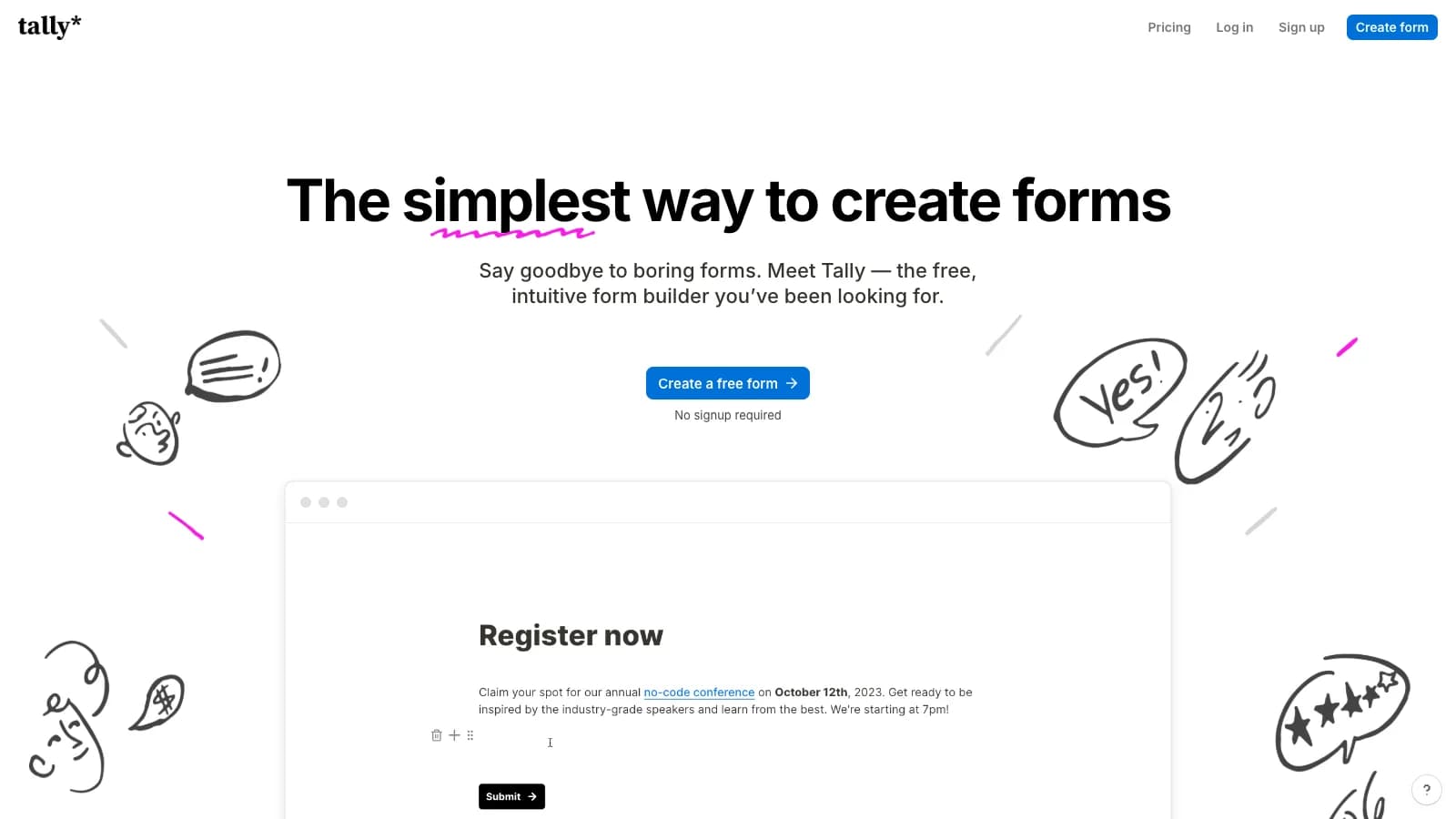
Testing Tally with Kibi
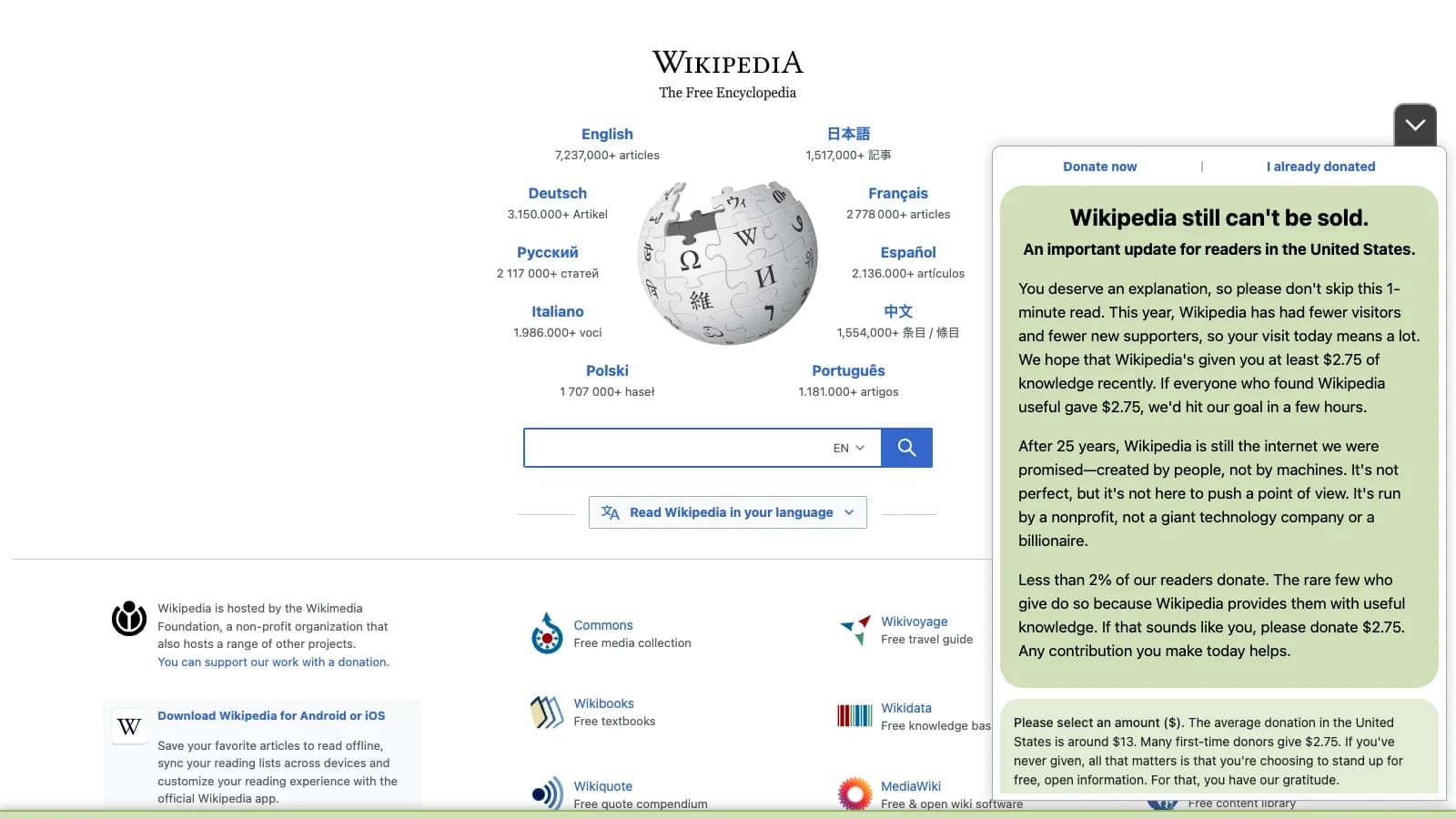
Testing Wikipedia with Kibi
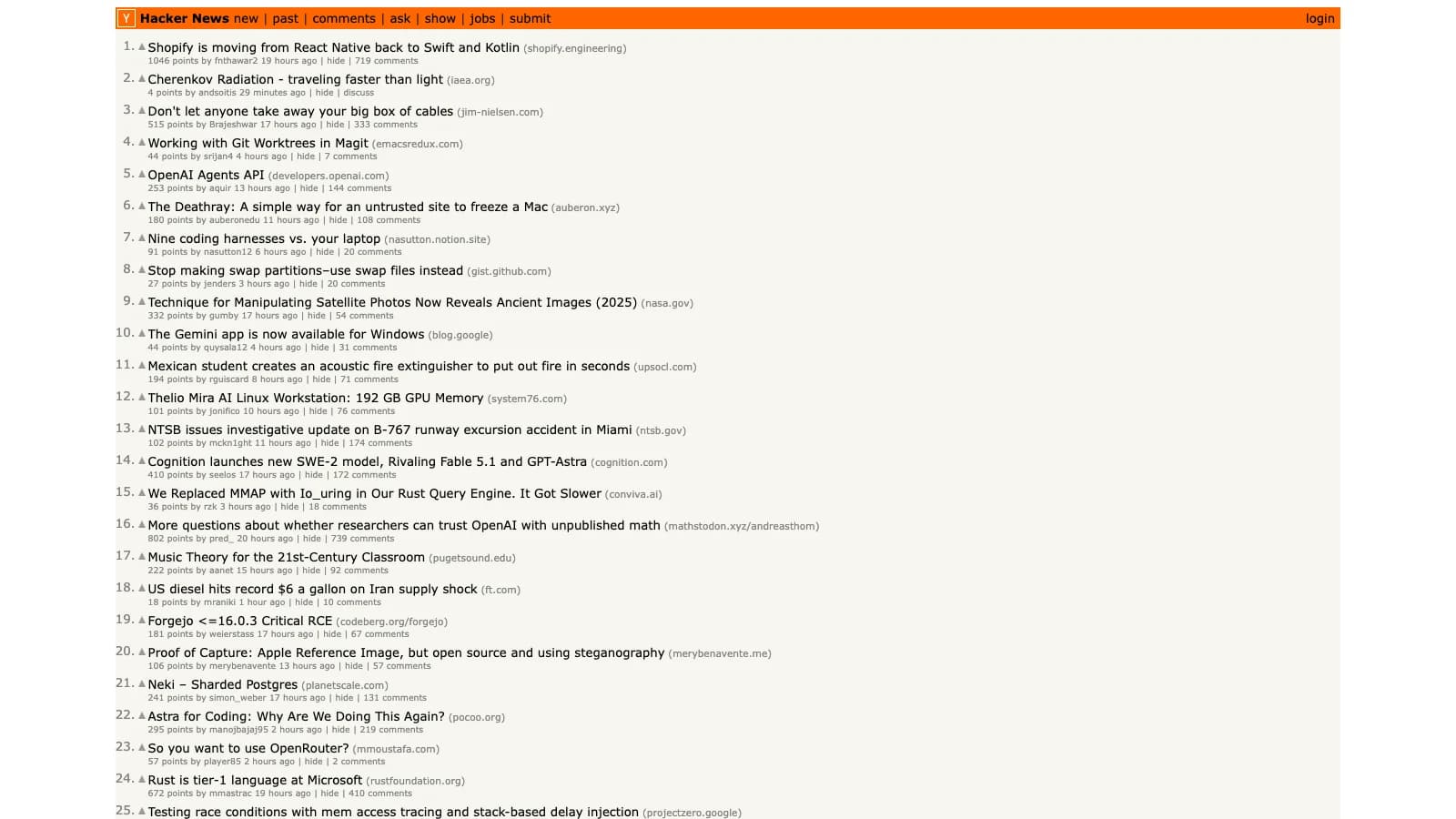
Testing Hacker News with Kibi
Independent demos. Killbug is not affiliated with or endorsed by the websites shown.
How it works
Tell Kibi what to test.
Kibi explores, runs, and turns failures into actionable issues.
01
Explore test cases
Tell Kibi what to cover. It explores the flow and turns useful paths into test case drafts.
02
Run test cases
Kibi runs the selected test cases in a real browser and records every result.
03
Identify issues
When a test fails, Kibi connects the evidence and prepares an actionable issue.
Why choose Killbug
More coverage. Less overhead.
Compare cost, speed, maintenance, and scale.
| Approach | Killbug AI QA Agent | Manual QA Release pass | Test scripts Playwright / Cypress | QA service Outsourced team | Staff aug Contractors | In-house hire Build a team |
|---|---|---|---|---|---|---|
| Starting cost | $79/mo billed annually | $30-80/hr per tester | $3K-12K/mo plus setup | $5K-25K/mo retainer | $80-150/hr contract rate | $150K+/yr loaded cost |
| Time to coverage | 1 day first checks live | 1-2 weeks checklist pass | 4-8 weeks script buildout | 4-6 weeks onboarding | 6-10 weeks ramp time | 3-6 months hiring cycle |
| Test generation | AI from flows | Manual human steps | Code engineer-written | Manual vendor-owned | Manual contractor-owned | Manual team-owned |
| Maintenance | Minimal intent-driven, not UI-bound | Every run repeat effort | Ongoing selector upkeep | Per ticket change requests | Hourly billable fixes | Internal team capacity |
| Run volume | 150 free · 5,000–15,000/mo credits | 1x release pass | CI-bound pipeline cost | Ticket-bound vendor queue | Hours-bound contract time | Team-bound headcount |
| Contract | Monthly start small | None but repeats | Internal engineering time | 6-12 mo vendor term | 3-6 mo contract term | FTE long-term |
Customer stories
How teams use Killbug.
Protect critical journeys, catch regressions, and debug with evidence.
"We recorded our invite, billing, and role-change flows in an afternoon. The first scheduled run caught a permissions regression before our release review."

Maya Chen
Product Lead, B2B SaaS
"Our support team kept seeing checkout edge cases before engineering did. Killbug gives us the recording and failed step, so triage starts with evidence."

Jordan Lee
Engineering Manager, Marketplace
"We are still changing onboarding every week. Being able to add coverage without writing a new test suite has made QA part of the shipping rhythm."

Nina Patel
Founder, Workflow Automation
"The regressions that hurt us are usually account setup, permissions, and reports. Those are exactly the flows we now run before every weekly release."

Alex Ramirez
Head of Product, Vertical SaaS
"Our Monday smoke check used to be a spreadsheet and a screen share. Now we review failed runs with recordings and assign the real fixes faster."

Aisha Brown
QA Lead, Developer Tools
FAQ
What teams want to know before they start testing with Killbug.
What is Kibi?
Kibi is Killbug's AI QA agent. Tell Kibi what you want to test, and it can explore the product flow, create test case drafts, run them in a real browser, and turn failures into actionable issues.
How does Kibi turn a goal into test cases?
Describe the journey or product area you want to cover in plain language. Kibi explores the flow and proposes useful test case drafts for you to review before they become repeatable coverage.
What happens when Kibi runs a test?
Kibi opens your product in a real browser, follows the selected test cases against the visible interface, and records the result and supporting evidence for each run.
Can Kibi test logged-in workflows?
Yes. Add safe test credentials and account instructions at the project level, then assign the right credential to authenticated test cases without repeating secrets in every flow.
What do I get when a test fails?
The failed step stays connected to the run details, browser recording, screenshots, and AI-generated summary. Your team can review the evidence and turn an actionable regression into an issue.
Can Killbug run checks automatically?
Yes. Group test cases into a test plan and run it manually, on a recurring schedule, or from a deployment webhook. Each run stays in the same history for review.
Does Kibi replace Playwright, Cypress, or manual QA?
No. Kibi adds fast, repeatable coverage for product-facing workflows without requiring every workflow owner to maintain scripts. Coded tests and human judgment still play important roles in a complete QA process.
Protect what cannot break
Catch broken journeys before your customers do.
Turn signup, checkout, billing, and other critical flows into repeatable browser checks—with evidence your team can act on.